

Announcing the release of Voysys Free, our self-service tier — no sales call or onboarding

Technology

Voysys has spent over a decade building one thing: the streaming and transport layer that real-world remote operation actually needs.

Get started

What we install

Voysys software runs on your existing stack of cameras, vehicle compute, modems, and actuation paths. We slide a slim background daemon onto the vehicle compute and a player onto the operator terminal, with minimal demands on the GPU.

What you bring

  • A vehicle or machine
  • A compute unit on the vehicle
  • Modems (we recommend at least two)
  • Actuation: drive-by-wire, joystick, hydraulics, etc.

What we bring

  • A slim background daemon for the vehicle compute
  • Operator software for any terminal you use
  • Cloud component that handles handshake and presence; primary streams go peer-to-peer once connected
  • Cross-platform SDK with plugin architecture and AR overlay support

Remote operation in action

Watch Voysys perform at racing speed around the Red Bull Ring.

The Voysys Platform

Voysys is built for streaming data from robots in the field and teleoperation. Fleet coordination, streaming transport, and operator playback work together to provide connectivity that adapts to your needs.
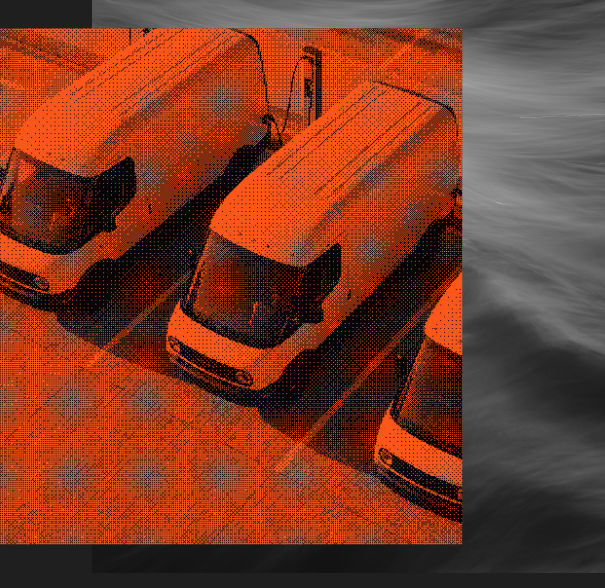
Three trucks rendered as orange halftone illustration with white grid overlay

From one vehicle to a fleet

Voysys platform capabilities include: authentication, operator presence, vehicle-to-operator assignment, prioritized task queues, and secondary viewers.

Voysys "Oden player" UI

Voysys' "Oden player" user interface can adapt to your application and render to regular screens, projection domes, or VR headsets.

Operator UX

Different machines need different visualizations. Voysys ships the building blocks for each, then gets out of your way.

Explore system architecture, benchmark data, and more →

Voysys SDK

Build custom teleoperation applications on top of the Voysys stack, on your hardware's platform.

Explore documentation

Ready to evaluate Voysys for your use case?

Share your machine type, network environment, and operational requirements — we'll map the integration path.

Talk to engineering

Frequently Asked Questions

Still have questions? Get connected to our support team.

Contact us
What protocol does Voysys use?
Voysys uses a proprietary Low Latency Transfer Protocol (LLTP), not WebRTC or standard RTP. WebRTC is built for video calls; teleoperation is a different problem. LLTP gives full control over every packet on the network and enables multi-link redundancy protected by patent WO2021110863A1.
What hardware does the vehicle-side stack run on?
A typical deployment runs the vehicle-side stack on the NVIDIA Jetson AGX Xavier (an 8-core ARM v8.2 processor with a 512-core Volta GPU and 32 GB RAM). NvEnc hardware encoding handles H.264/HEVC at wire speed. The streaming daemon itself is slim; in some setups its GPU usage has been below the measurement floor.
Can I build custom plugins for Voysys?
Yes. The Voysys SDK exposes a C++ plugin API with four mandatory lifecycle functions: initialize, update, updateGUI, and shutdown. Three plugins have been validated through independent university research: ROI encoding, monocular SLAM, and audio integration.
What is Focus Region Streaming?
A dual 3D engine, one on the vehicle and one at the operator station, identifies the operator's area of interest and streams that region at full resolution while sending the surrounding scene at minimal bandwidth. In production, three 10-megapixel cameras stream at roughly 300 kbps total, under 1% of conventional bandwidth.
What video codec does Voysys use?
H.265 HEVC encoding with periodic intra refresh, which distributes reference information across frames instead of concentrated I-frames. This avoids the congestion bursts that choke cellular links.
How is functional safety handled at the signal layer?
A trusted vehicle-side ECU creates a timestamp on each video frame, round-trips that timestamp to the operator station, and assigns it to the control commands the operator sends back. The ECU then checks every incoming command (who issued it, and how old is the video it was based on) and makes a go/no-go decision per command. The functional-safety surface lives in hardware you choose, independent of the modem and the network.